
Turn Gmail requests into jobs
Review production emails, import supported attachments, select a workflow and supplier, and create a tracked job without retyping the request.
Select credits or subscription
Carton Maker Production gives packaging manufacturers one clear place to capture customer requests, coordinate suppliers, track every stage, and keep clients informed.
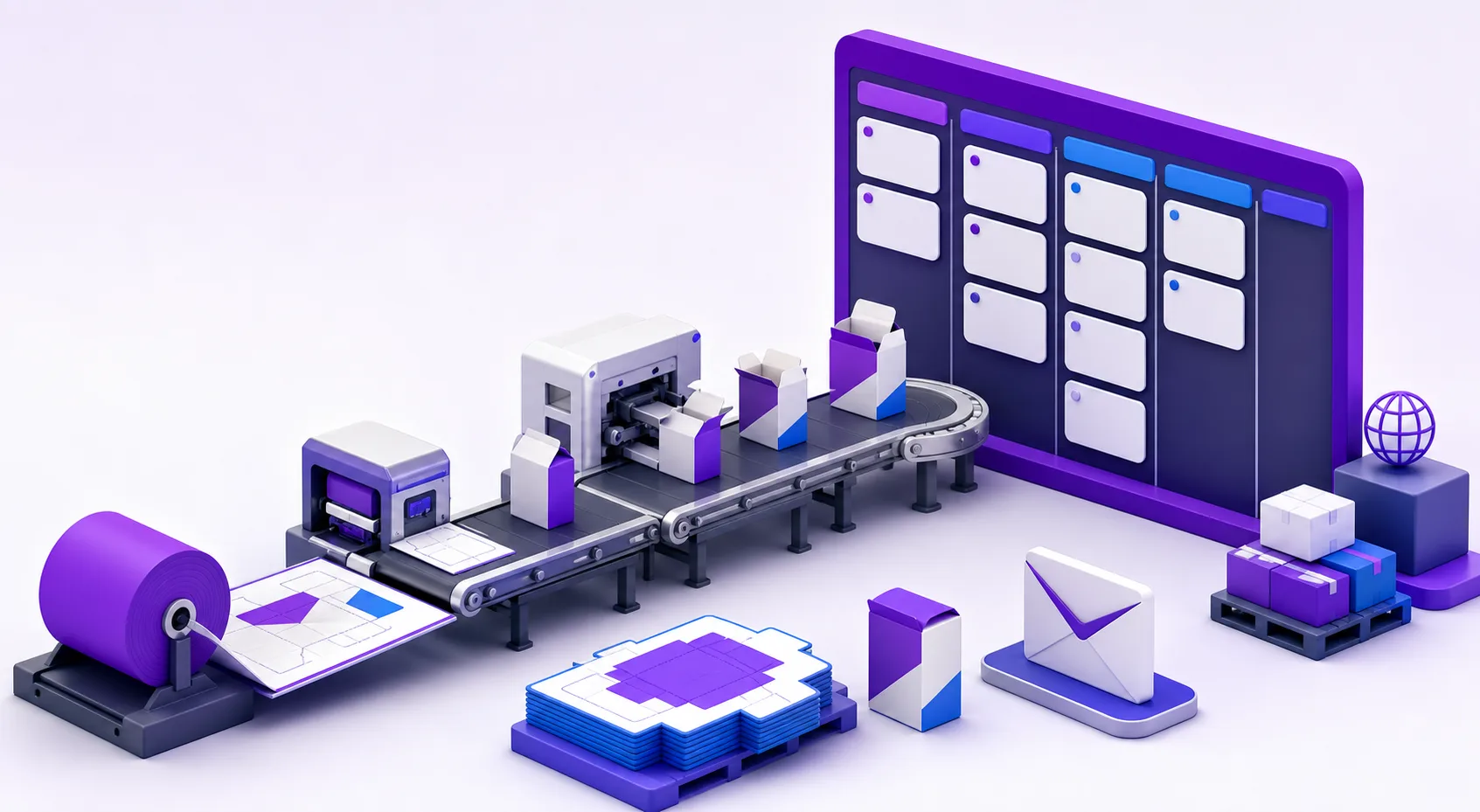
Production jobs
Live workflow overview
JOB-1042
Reverse tuck carton
JOB-1038
Retail display box
JOB-1040
Cake box set
JOB-1034
Mailer carton run
Built around the real work of packaging production
One connected workspace
Replace scattered inboxes, spreadsheets, and status calls with a production record your team can follow from intake through delivery.
Review production emails, import supported attachments, select a workflow and supplier, and create a tracked job without retyping the request.
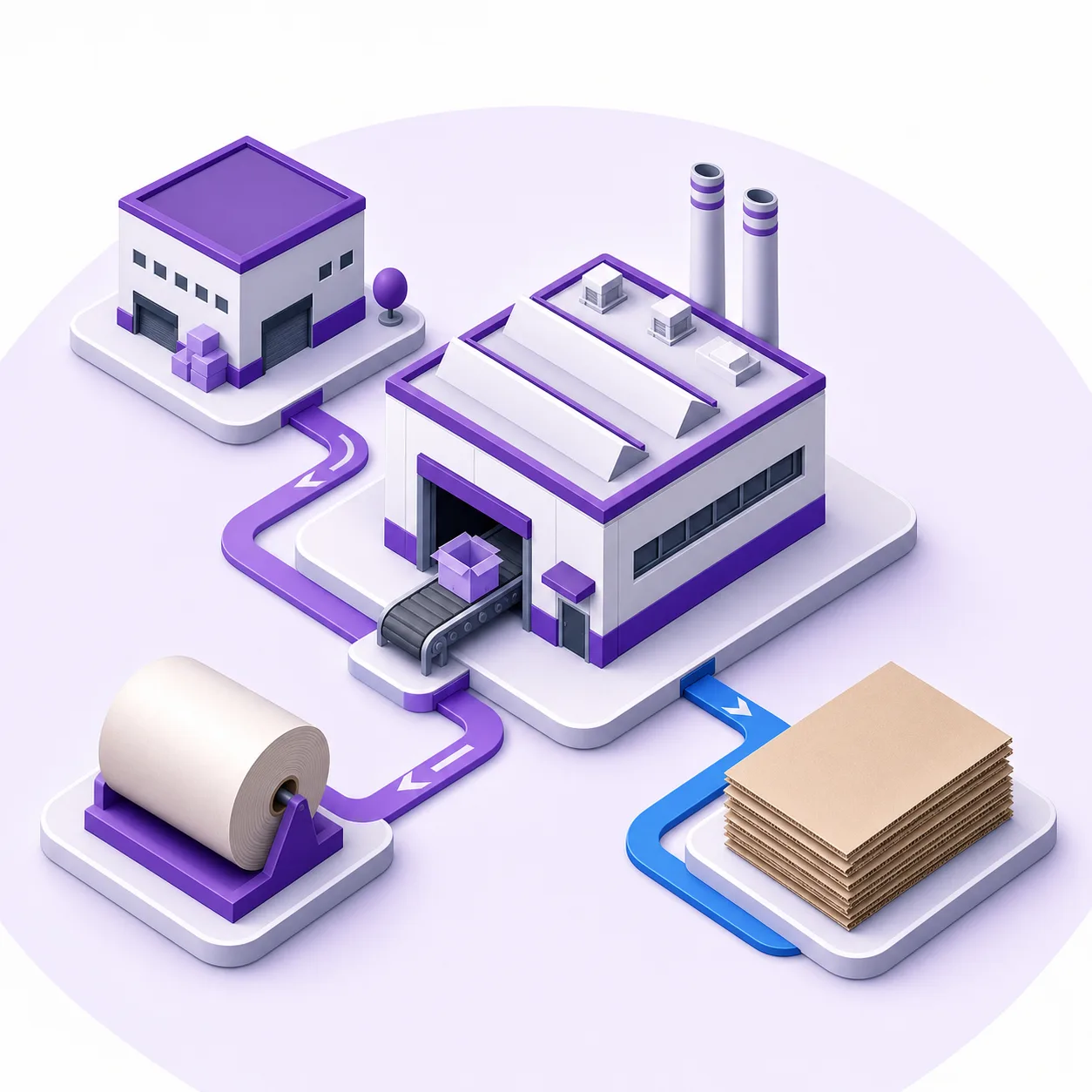
Keep supplier identity and contact details attached to the job so the team knows who owns each external production step.

Choose client-visible milestones and send progress emails automatically as a job moves toward completion and delivery.
Scan structured lists or move jobs visually between workflow stages.
Surface active work, jobs due this week, and overdue production.
Start with workflow templates and clone them for your production process.
Keep stage changes, notes, and email events together in chronological order.
Upload and download artwork, dielines, approvals, and supporting files.
Control which milestones are operational only and which can notify customers.
Production visibility
Switch between a searchable job table and a visual board. Move work through stages while preserving its supplier, files, notes, deadlines, and activity history.
Production overview
Track work from intake to delivery
A repeatable process
Create a job directly or turn a customer Gmail message and its attachments into one.
Choose the production process, due date, and supplier responsible for the handoff.
Use the board or table to keep priorities, files, notes, and progress visible.
Send updates at client-visible milestones and retain the complete activity record.
Made for packaging operations
Use system workflow templates as a starting point, then keep internal production stages separate from the milestones clients need to see.
Track prepress, die making, printing, cutting, folding, gluing, and dispatch.
Coordinate customer artwork, board supply, converting steps, and delivery commitments.
Give mixed packaging jobs consistent ownership, deadlines, and production visibility.
Replace manual status chasing with a searchable job list and reliable activity trail.
Frequently asked questions
Packaging production management software organizes customer requests, jobs, workflow stages, suppliers, files, deadlines, and status communication in one operational workspace.
Yes. After connecting Gmail, your team can review a message, select supported attachments, assign a workflow and supplier, and create a production job from that request.
Production includes workflow templates that can be cloned for your process. Stages can also be identified as internal or client-visible for progress communication.
Files can be imported from supported Gmail attachments or uploaded to the job record, where team members can review and download them alongside notes and activity.
No. The dieline generator creates packaging structures, while Production coordinates the operational work around customer requests, suppliers, stages, deadlines, files, and delivery.
Bring production into focus
Create a shared production record for your team, suppliers, files, deadlines, and customer updates.
Start Production