Edit dimensions
Adjust the size and available construction controls.
Select credits or subscription
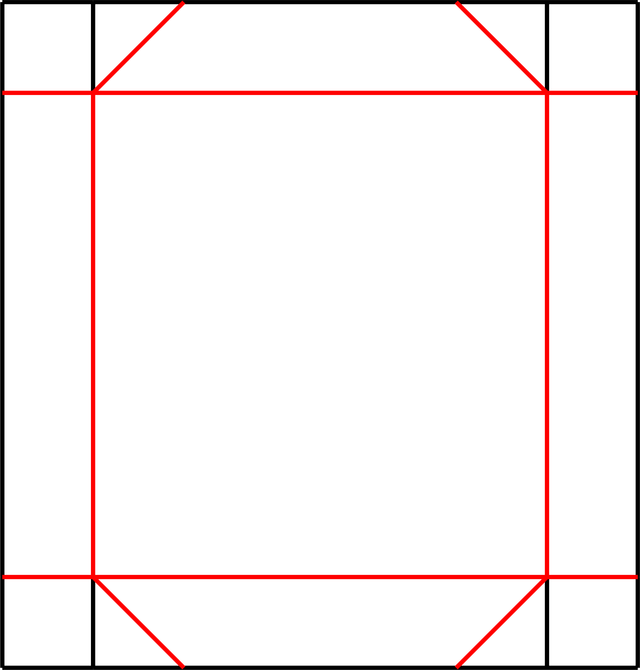
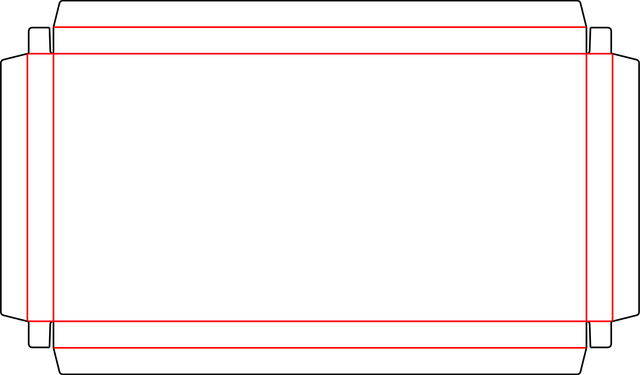
Tray Style A is an open tray template with hooked corner tabs and receiving cuts in the end walls.
The center panel is surrounded by single-fold walls, with curved tab ends at the outer corners. Use it as a starting point for an open display or product tray. Check the tab engagement and base size with a folded sample, especially when changing the wall height.
Sign in to edit dimensions. PDF and DXF downloads use export credits.
| Categories | Tray Box, Gift Packaging, Food Packaging |
|---|---|
| Customizable | Dimensions and available construction controls |
| Export | PDF and DXF with export credits |

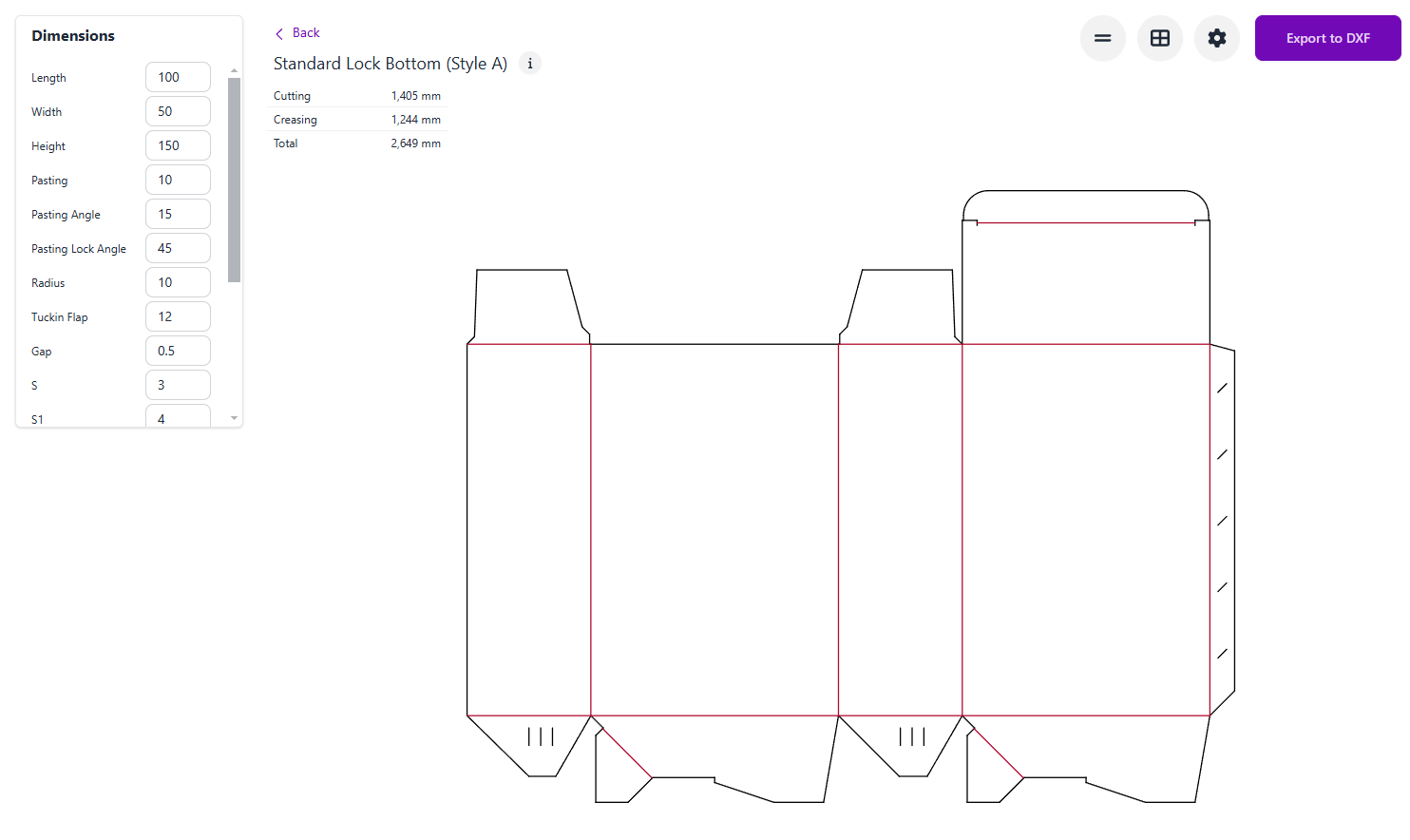
Open the Tray (Style A) template in Carton Maker.
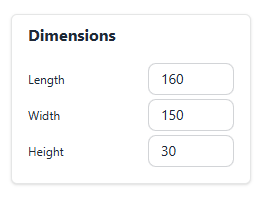
Sign in and adjust the dimensions and available construction controls.
Check the dieline, preview the fold, and export as PDF or DXF.
Make and check a physical sample with your intended material before production.
Adjust the size and available construction controls.
Inspect the folded model where available.
Download production-ready dieline files with credits.
Arrange multiple copies on a sheet.
Adjust available notching and locking details.
Review dimensions and sheet settings.
Yes. Open the editor and sign in to adjust the dimensions and available construction controls.
Yes. PDF and DXF exports require a signed-in account with valid export access and available credits.
Yes. Check scale, material thickness, fit, and assembly with a physical sample and your printer or die maker.
A structural template does not certify a material or finished package for a particular product. See current pricing for export options.
Edit dimensions, preview in 3D and export production-ready dielines. Sign in to use your credits.
Open in editor