Edit dimensions
Adjust the size and available construction controls.
Select credits or subscription
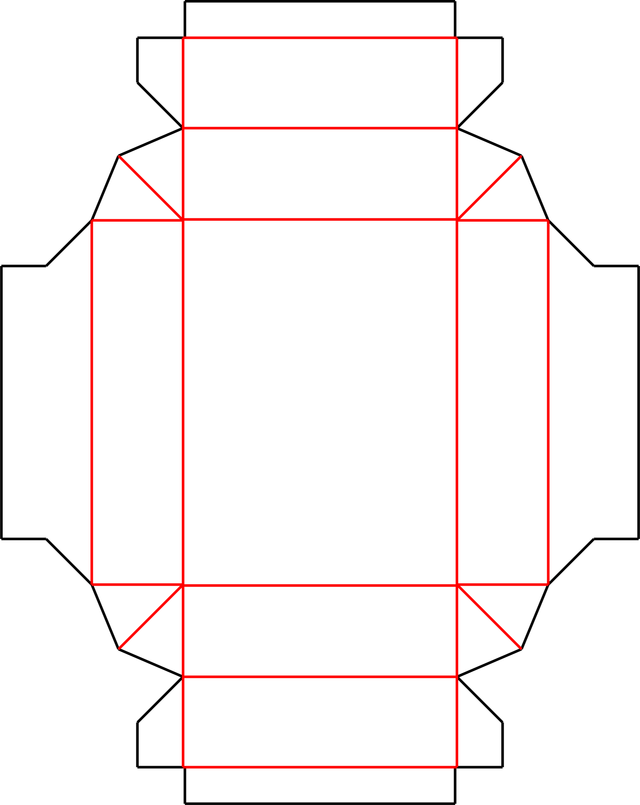
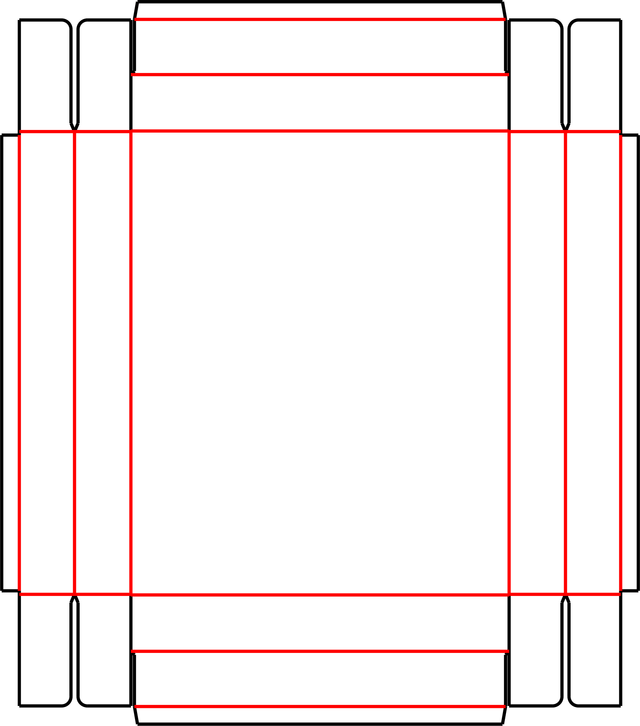
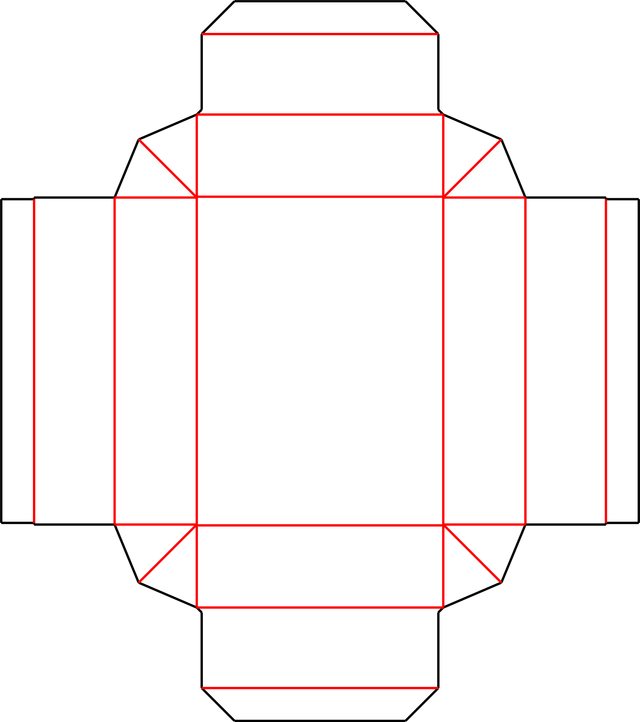
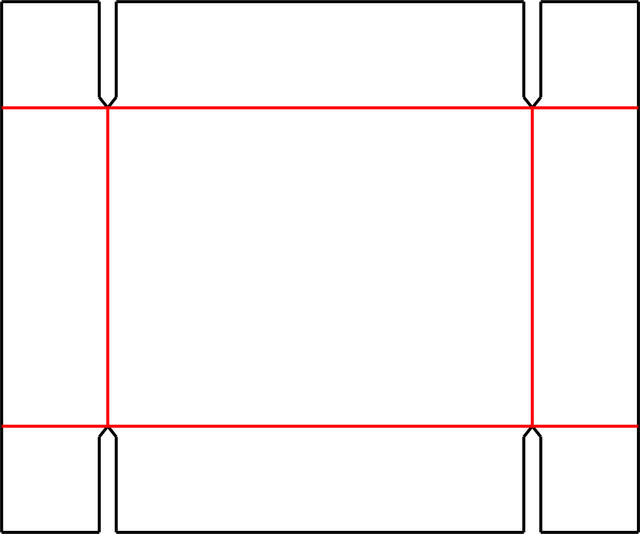
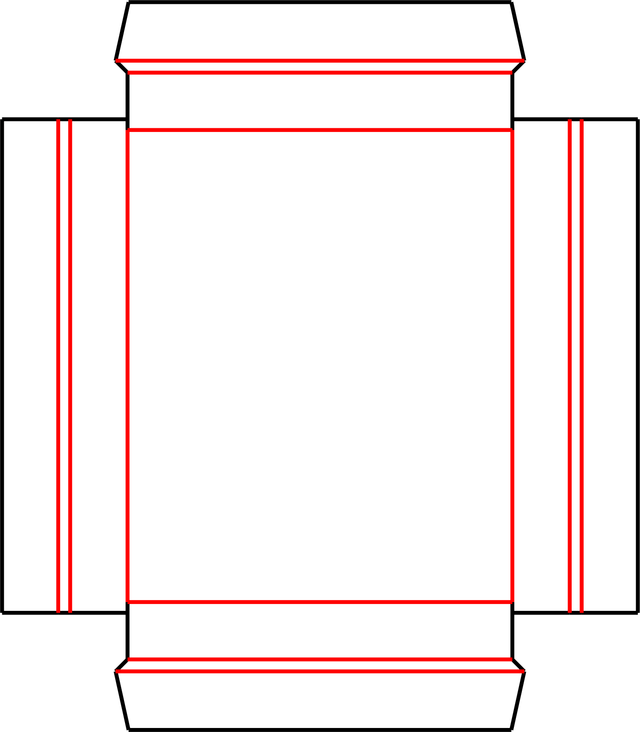
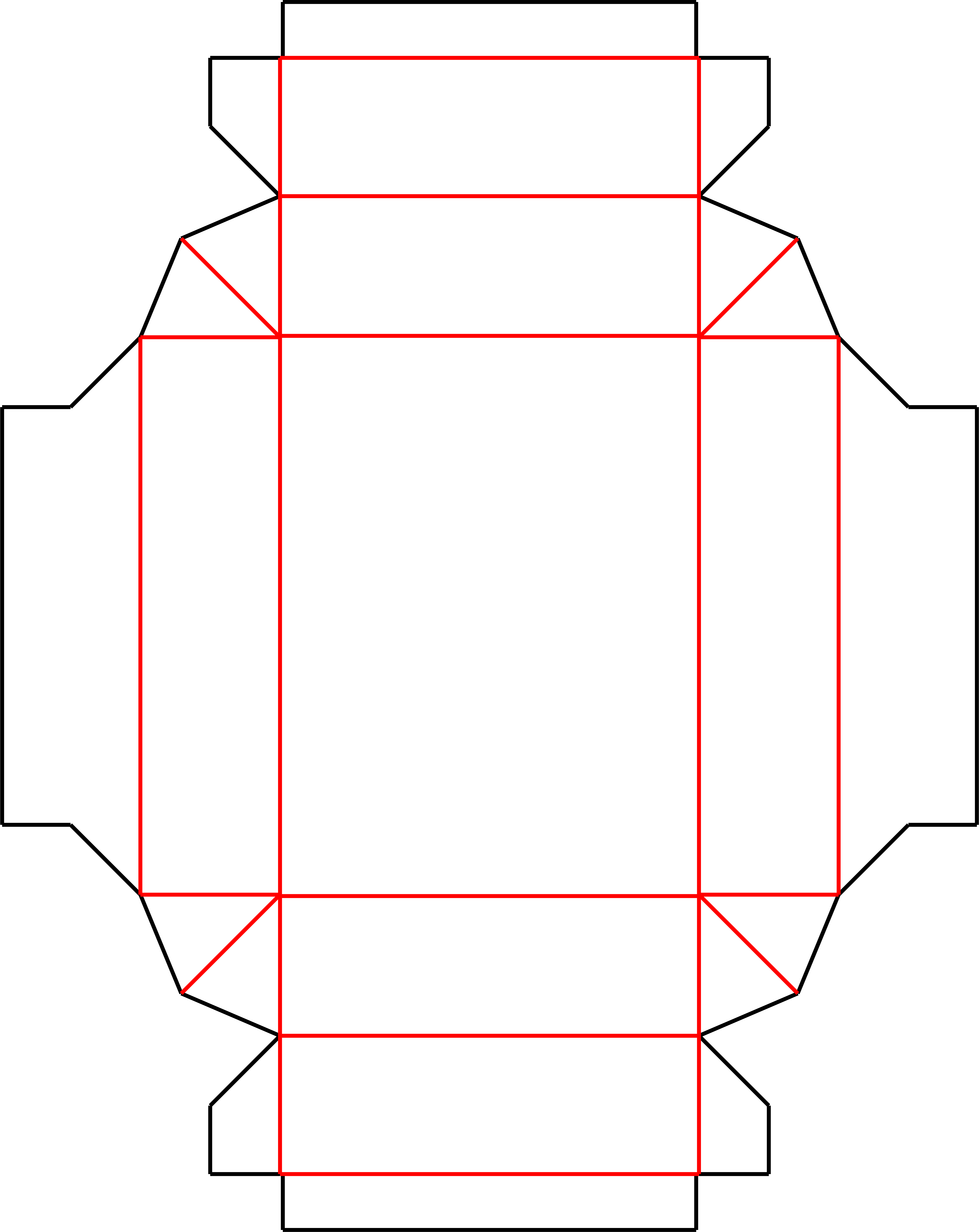
Top Bottom Style C is a rectangular tray-pattern template with clipped corners and projecting side tabs.
Diagonal creases run through the corner sections, and narrow fold bands surround the center panel. Compare those projecting tabs with Style B before planning the corner assembly. Check the intended tray or cover fit with the actual board rather than assuming a standard lid clearance.
Sign in to edit dimensions. PDF and DXF downloads use export credits.
| Categories | Top Bottom Box |
|---|---|
| Customizable | Dimensions and available construction controls |
| Export | PDF and DXF with export credits |
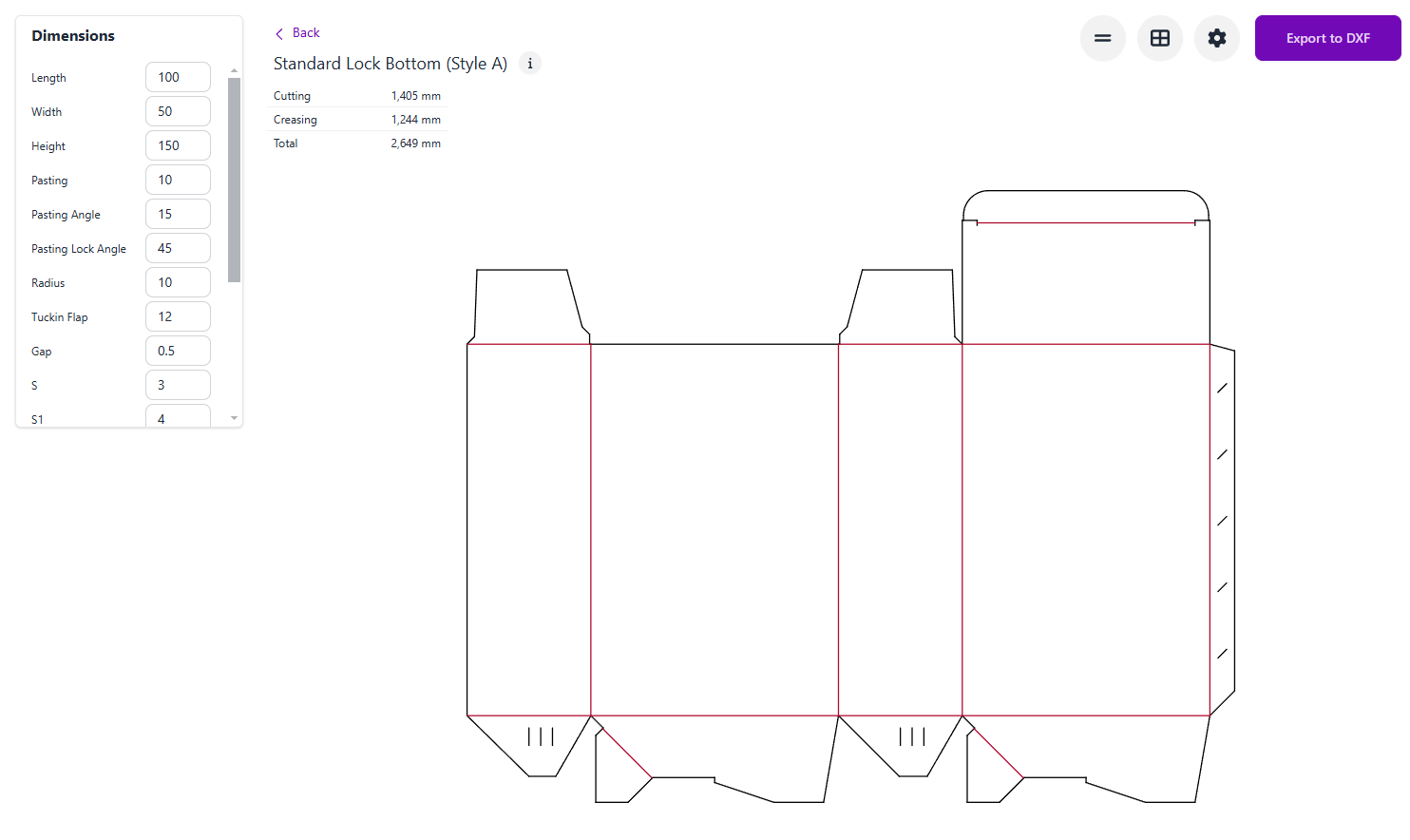
Open the Top Bottom (Style C) template in Carton Maker.
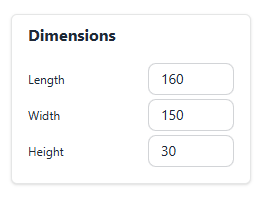
Sign in and adjust the dimensions and available construction controls.
Check the dieline, preview the fold, and export as PDF or DXF.
Make and check a physical sample with your intended material before production.
Adjust the size and available construction controls.
Inspect the folded model where available.
Download production-ready dieline files with credits.
Arrange multiple copies on a sheet.
Adjust available notching and locking details.
Review dimensions and sheet settings.
Yes. Open the editor and sign in to adjust the dimensions and available construction controls.
Yes. PDF and DXF exports require a signed-in account with valid export access and available credits.
Yes. Check scale, material thickness, fit, and assembly with a physical sample and your printer or die maker.
A structural template does not certify a material or finished package for a particular product. See current pricing for export options.
Edit dimensions, preview in 3D and export production-ready dielines. Sign in to use your credits.
Open in editor