
Production-Ready Box Dielines.
Generated Fast.
Generate accurate carton and corrugated box dielines for manufacturing.
Export DXF for die-cutting and PDF for sharing, approvals, and records.
No Credit Card Required
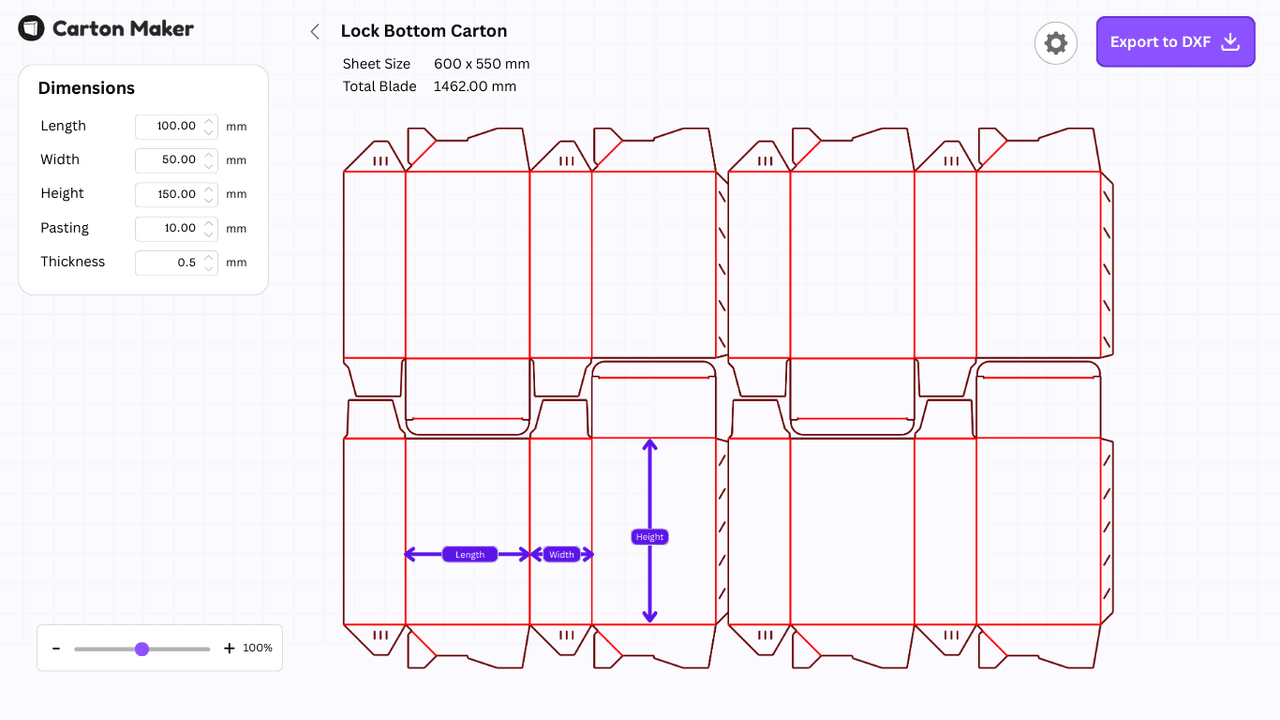
Popular Carton Dielines
A few commonly used carton styles generated using Carton Maker.
All designs are fully customizable and exportable as DXF or PDF.
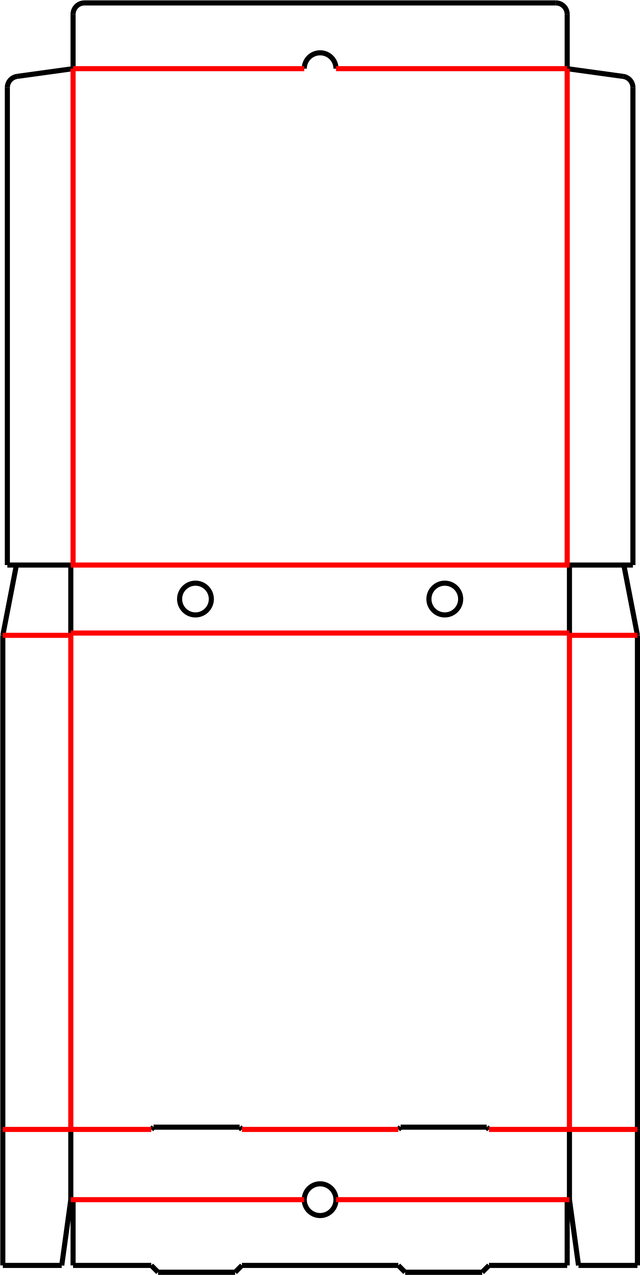
Pizza Box
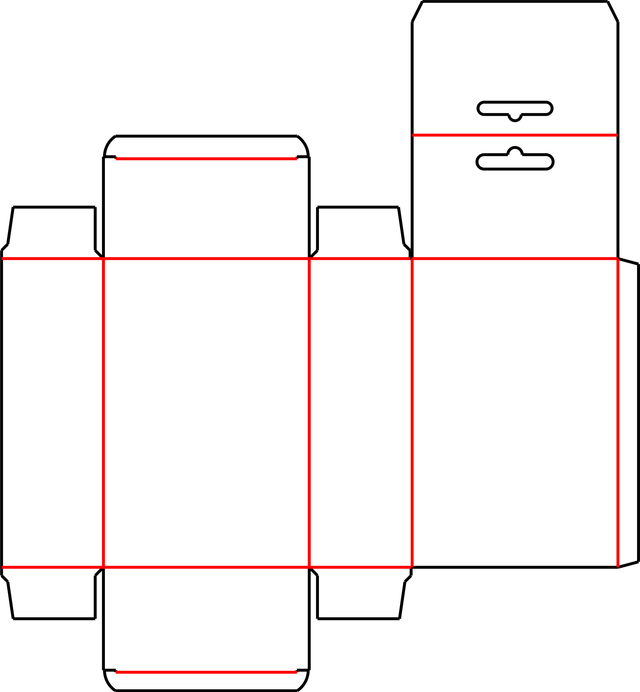
Hanging Carton
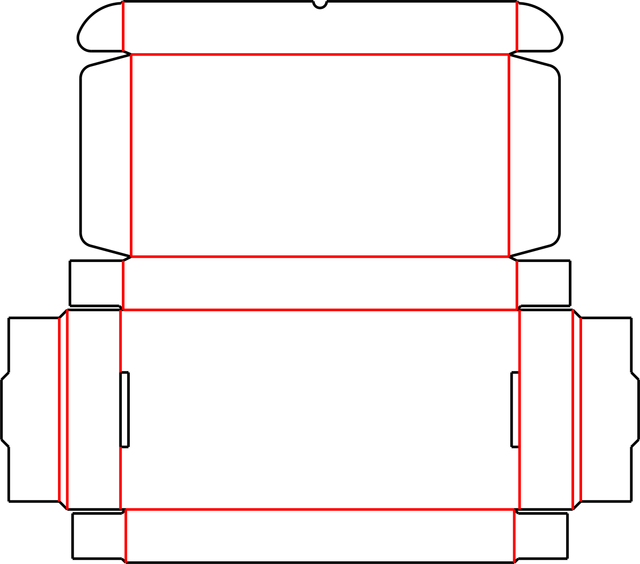
Keyboard Carton (Style A)
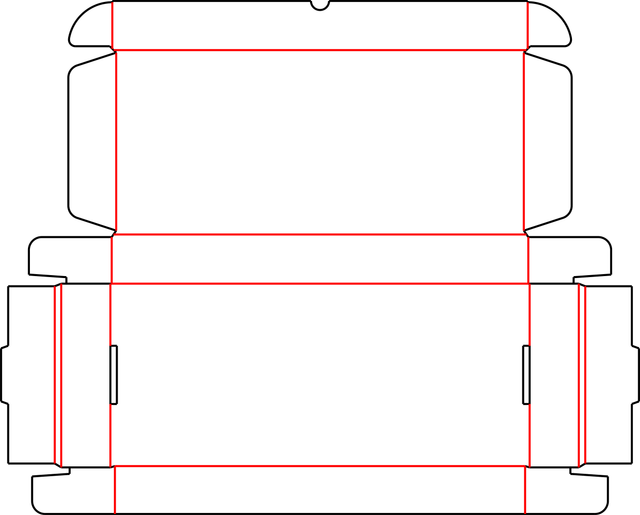
Keyboard Carton (Style B)
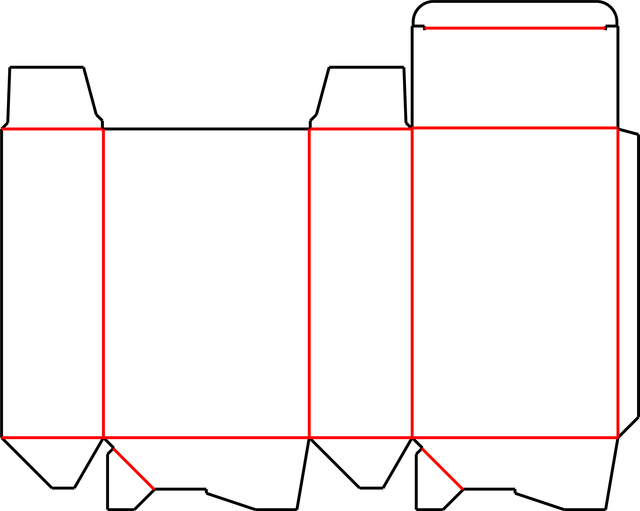
Standard Lock Bottom (Style A)
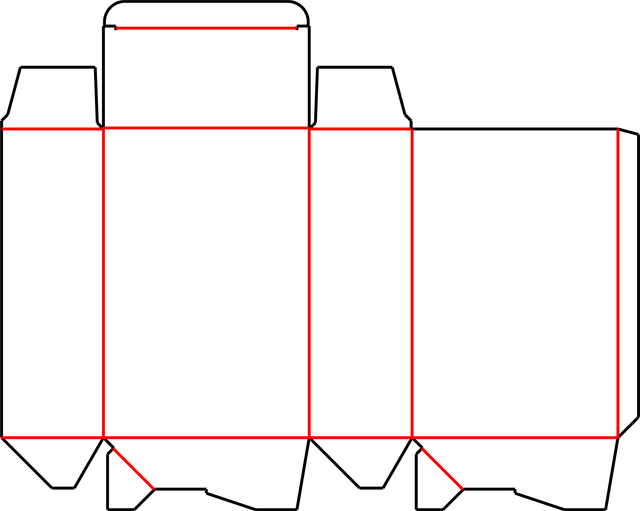
Lock Bottom (Style B)
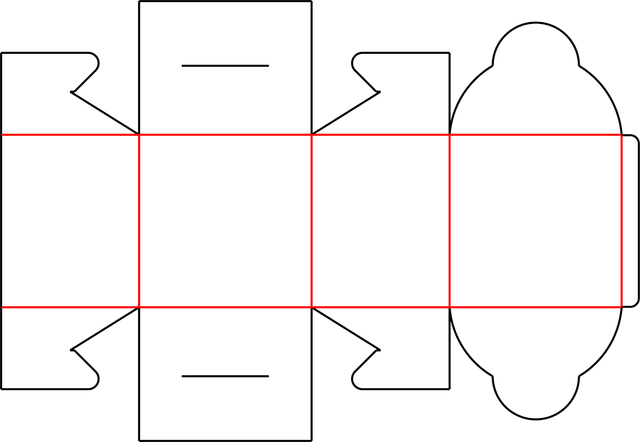
Pastry Box
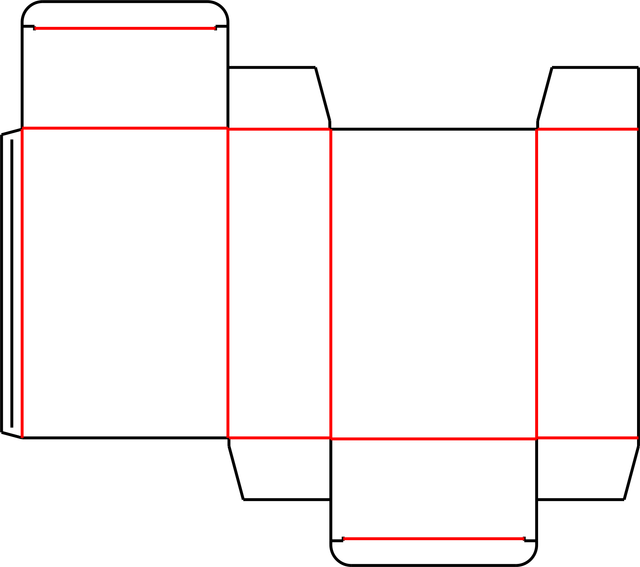
Perfume Carton (Style A)
70+ carton and box styles included.
Additional designs can be added on request.
Designed for Real Packaging Workflows
Carton Maker is a dedicated box dieline generator built for production accuracy, not visual mockups.
Create correct carton layouts in minutes
No more time-consuming manual drawing
Eliminate repetitive redraw work
Reuse templates and dimensions
Standardize designs across teams
Consistent output for sales, design, and production
Reduce errors during die-making and printing
Accurate dimensions every time
Everything You Need to Create Carton Dielines
70+ Carton & Box Styles
- Corrugated boxes
- Folding cartons
- Die-cut box designs
- New templates added on request
DXF & PDF Export
- DXF optimized for die makers
- PDF for approval & records
- Clean, readable output
Precise Dimensions
Complete control over box measurements and panels
Multi-Ups
Multiple boxes per sheet
Works Offline
Perfect for factory environments
Cost Estimation
Predicts the sheet size and blade needed for production
Browse All Designs
View 70+ box templates
See Carton Maker in Action
A quick look at how carton layouts are generated and exported for production.
▶ Watch 60-second demo
Who Uses Carton Maker
If your work requires accurate carton layouts for production, Carton Maker fits naturally into your process.
From Dimensions to Production Files
Get production-ready dielines in minutes, not hours
Choose & Customize
Select a carton style from 70+ templates and enter your L×W×H dimensions
Fine-Tune Layout
Adjust panels, flaps, and parameters to match your exact production requirements
Export & Produce
Download DXF for die-cutting or PDF for approvals and documentation
Frequently Asked Questions
Is Carton Maker a 3D box or mockup tool?
What file formats can I export?
Are the DXF files production-ready?
Does Carton Maker work offline?
How many box styles are included?
Can I customize box dimensions and flaps?
Is Carton Maker suitable for small factories?
Is there a free trial?
Do you offer factory or multi-system licenses?
Simple, Transparent Pricing
Accurate Carton Dielines Without Complexity
Start generating production-ready carton layouts today.
Start Free TrialNo Credit Card Required
Designed for factories. Trusted for production.